Fix NET Framework 3.5 installation Error 0X800F081F in Windows 10
1

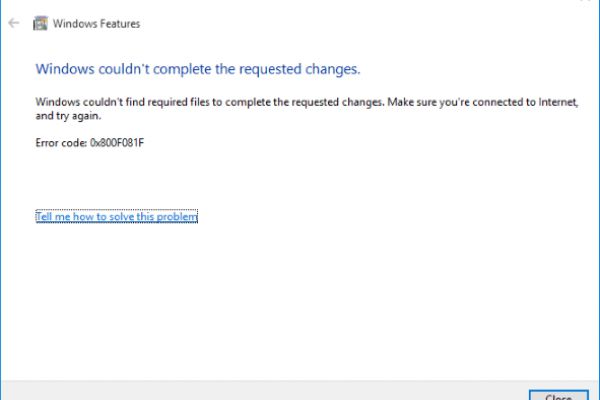
Getting NET Framework 3.5 installation Error 0X800F081F, 0x800F0906 in Windows 10 Windows 8.1, Windows Server 2012 R2 ? To fix this Download and copy netfx3-onedemand-package.cab file to Windows installation Drive (C: dirve) Then run command Dism.exe /onl
Popular Articles by this blogger
- Top 5 Free Antivirus for Windows 10 PC 2018 edition

- Secure Windows 10 PC With This 10 useful Tips!

- 3 Ways to fix your Dead Windows 10 Start Menu problems 2018
- What to do When USB Keyboard/Mouse stop working after windows update?

- Integrated vs Dedicated Graphics Card Which to Use and Why ?

- Fix Windows 10 Automatic Repair Loop Your PC Did Not Start Correctly
- Windows 10 Common Queries and Answers

- Tips and Tricks to Speed up Windows 10 Fall Creators update